Learn Photo Compositing in Photoshop 2026 (Start to Finish Project)
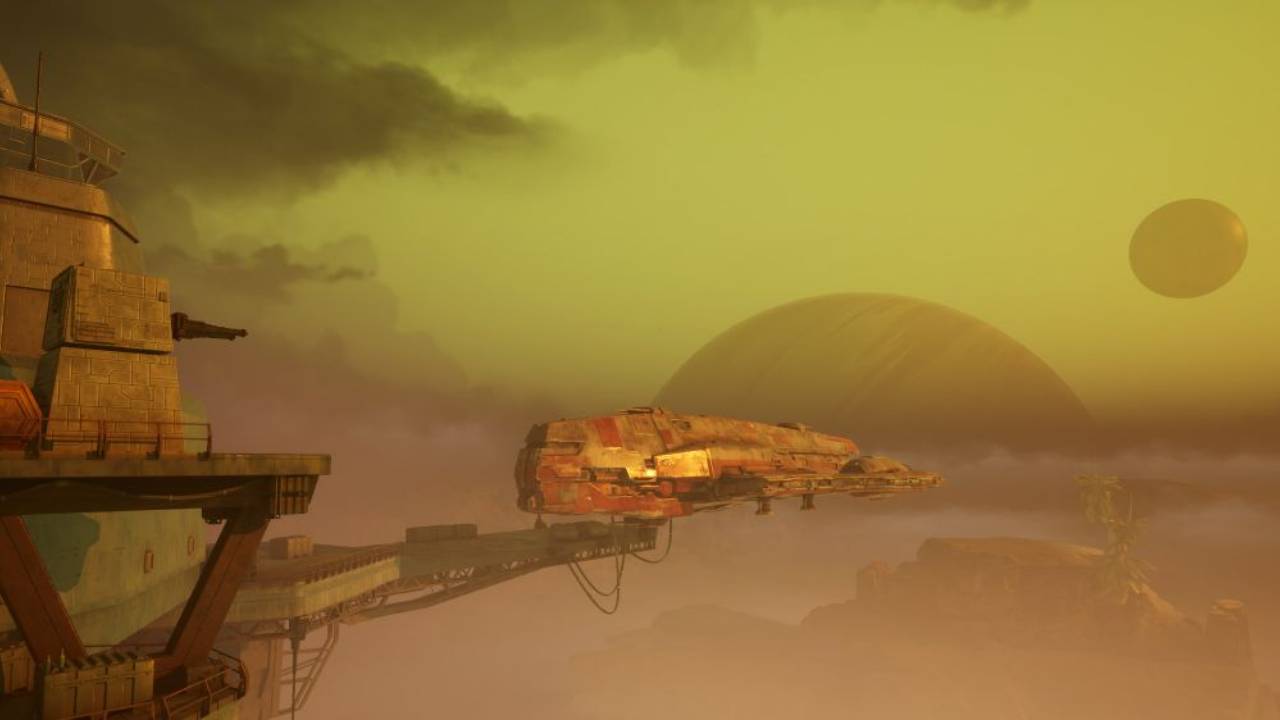
In this tutorial I walk through the basics of photo compositing in Photoshop 2026 by building a complete scene from start to finish.
We take several separate images and combine them into a single composite using the core tools that make compositing possible in Photoshop. Along the way you'll learn the foundations of compositing including layer masks, subject cutouts, Select and Mask, blending elements together, and color matching so everything feels like it belongs in the same scene.
This lesson is designed as a practical introduction to compositing. Instead of focusing on theory, we build a full composite together and cover the tools and techniques as they come up.
What You'll Learn:
- The basic workflow for photo compositing in Photoshop
- Navigating the Photoshop workspace
- Transforming and positioning elements
- How layer masks work
- Using Select and Mask for clean cutouts
- Refining masks with the brush tool
- Placing subjects naturally into a scene
- Masking foreground elements for depth
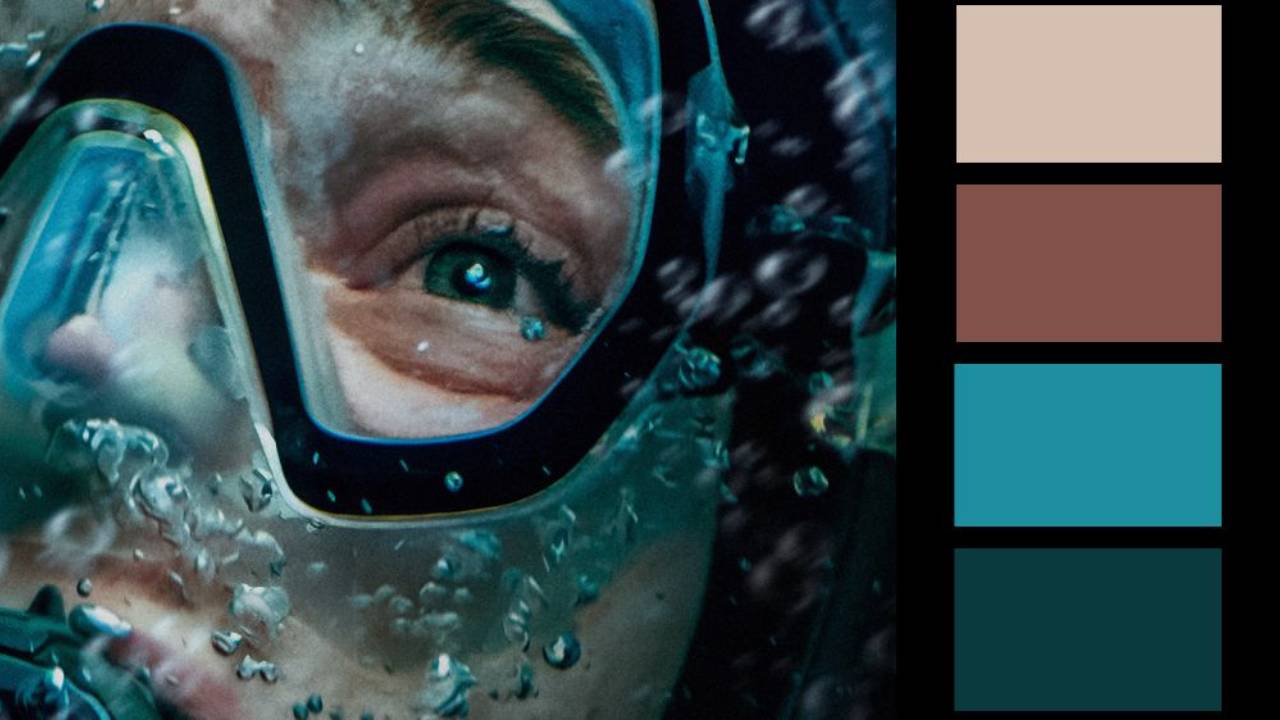
- Matching color and atmosphere across images
Chapters:
- 00:00 The Finished Composite & Lesson Overview
- 02:11 Photoshop Workspace Essentials
- 07:18 Transforming and Positioning Elements
- 11:42 The Core of Compositing: Layer Masks
- 22:04 Select and Mask for Clean Cutouts
- 30:59 Refining Masks with the Brush Tool
- 40:12 Placing the Subject Into the Scene
- 42:01 Foreground Masking for Realism
- 45:00 Color Matching & Atmosphere
- 50:12 Final Composite & Wrap-Up
Resources Mentioned
You can download all the assets for this tutorial here:
Note: If you are not yet a member of Nucly, you can access the downloads here.