Learn Photoshop Layers by Building a Composite
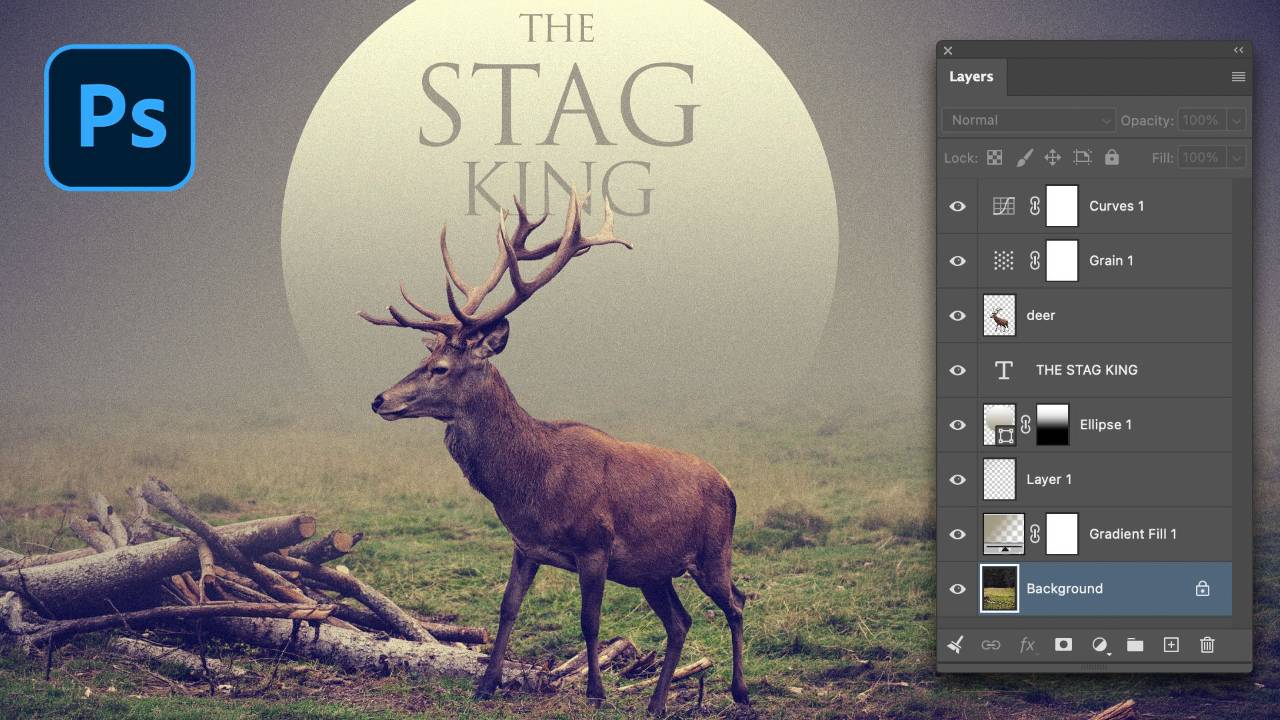
Layers are the foundation of almost everything you do in Photoshop. In this tutorial, I’ll show you how Photoshop layers actually work by taking a single photograph and turning it into a layered composite. Along the way, we’ll separate our subject from the background, work with selections, use Generative Expand and the Remove Tool, add gradient and shape layers, work with type and adjustment layers, and look at how masks give you even more control over your layer stack.
Rather than simply going through a list of layer types, we’ll put them to work in a real project so you can see why layers are so important—and how they give you the freedom to continually adjust and refine your images. This tutorial is excerpted from a longer Photoshop Foundations meetup available to Nucly members. Nucly Academy includes live Photoshop meetups, complete courses and projects, and a community focused on helping you become a better Photoshop artist.
Join Nucly Academy → https://nucly.com/academy