The Photoshop Harmonize Tool in 2026
The Harmonize Tool might be one of the most underrated AI features in Photoshop.
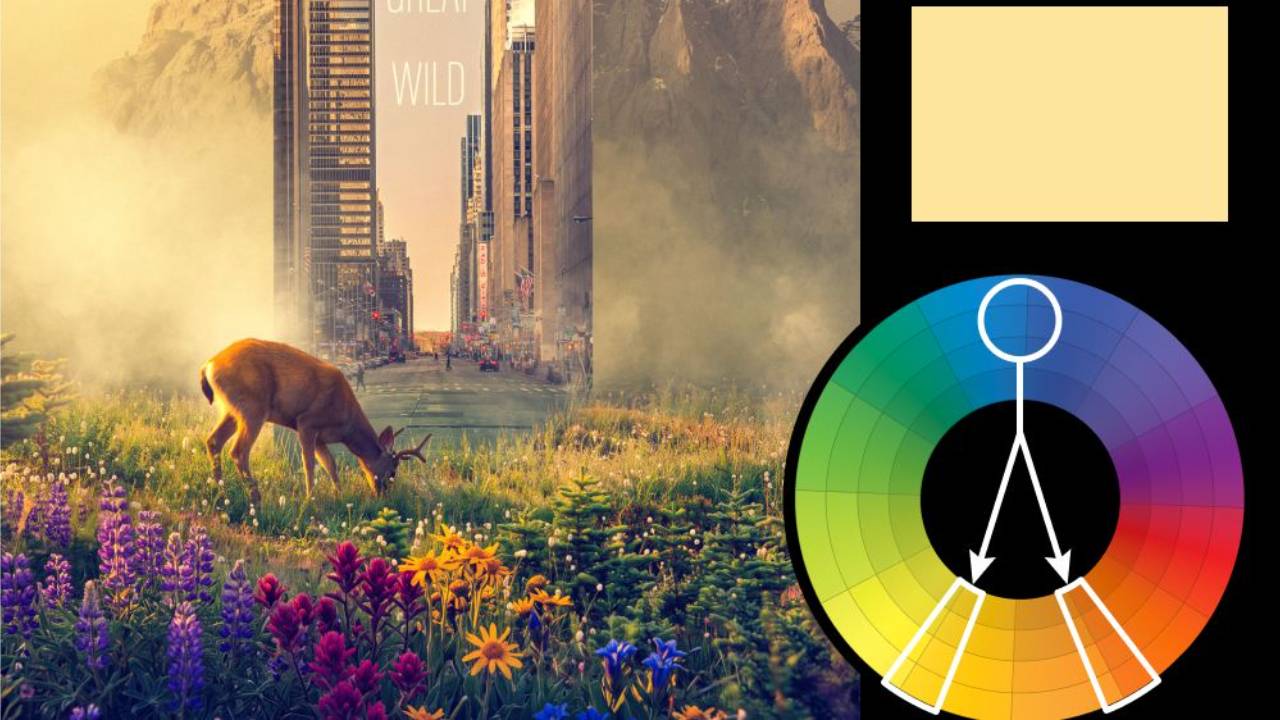
In this video, I take a deep dive into how Harmonize works, what it actually changes behind the scenes, and why it has become one of my favorite tools for compositing. We'll look at how it automatically adjusts color, lighting, shadows, reflections, and overall integration between a subject and its environment—often accomplishing in seconds what used to take several minutes of manual color matching and adjustment layers.
You'll learn:
- Where to find the Harmonize Tool in Photoshop
- How Harmonize differs from Match Color
- What the tool is actually analyzing and changing
- How to use the Strength and Color controls effectively
- When Harmonize works brilliantly—and when it doesn't
- Real-world compositing examples and demonstrations
- How Harmonize fits into a professional Photoshop workflow
If you've ever struggled to make composite elements feel like they belong together, this tool can dramatically speed up the process while delivering surprisingly strong results.
You can download all the assets for this tutorial here:
Note: If you are not yet a member of Nucly, you can access the downloads here.