Lady and the Fox
Creating Storytelling Portraits
Step inside a complete, cinematic story composite—built from start to finish in Photoshop. In Lady and the Fox, you’ll learn how to seamlessly combine a human subject, an animal, and environmental elements into a single believable scene. This course is about control, realism, and storytelling. Every choice—from selections to color—serves the final image. ** NOW UPDATED WITH AI WORKFLOWS **
$19
Purchase the CourseThe Lady and the Fox Composite Course
How to Create Storytelling Portraits

Traditional and AI Workflows
The Art of Storytelling Portrait Compositing
Build a complete cinematic fantasy composite from start to finish—twice.
In Lady and the Fox, you’ll learn the full traditional Photoshop compositing workflow and a complete modern pass using the latest AI-powered tools in Photoshop. Both approaches live side by side in one course, giving you clarity on when to rely on fundamentals and when AI can accelerate the process.
This isn’t about replacing skill—it’s about understanding control.
Purchase the Course NowLESSONS
8
LENGTH
2h 16m
TRADITIONAL
PS 2017+
AI UPDATE
PS 2026
Layer by Layer: Core Lessons
This course teaches Photoshop through storytelling portraits and hands-on, project-based learning. Instead of isolated tools or abstract exercises, you’re dropped straight into a real composite and learn new skills exactly when you need them.
You’ll follow along step by step, building the image as you go—picking up techniques naturally through context and repetition. By the end, you won’t just know what buttons to press, you’ll understand why each decision supports the story and realism of the portrait.
MODULE ONE
Getting Started
You’ll begin with the basics of Photoshop: essential shortcuts, smart workflow habits, and workspace setup. Even though the original course uses an earlier version of Photoshop, all of the same core tools and features still exist today—and you can complete the entire composite without relying on any new or AI-based tools.
Buy Now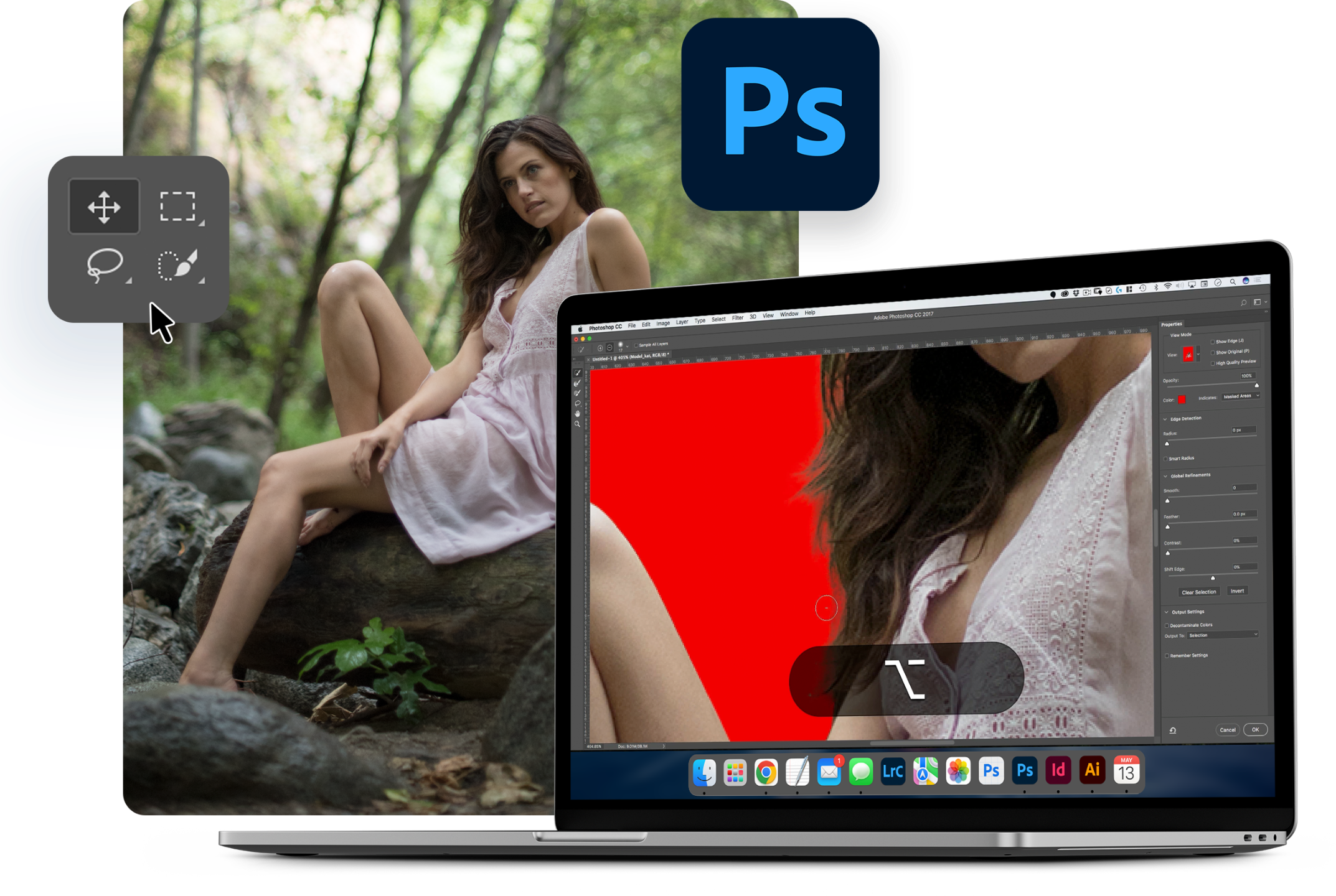
MODULE TWO
Compositing Fundamentals
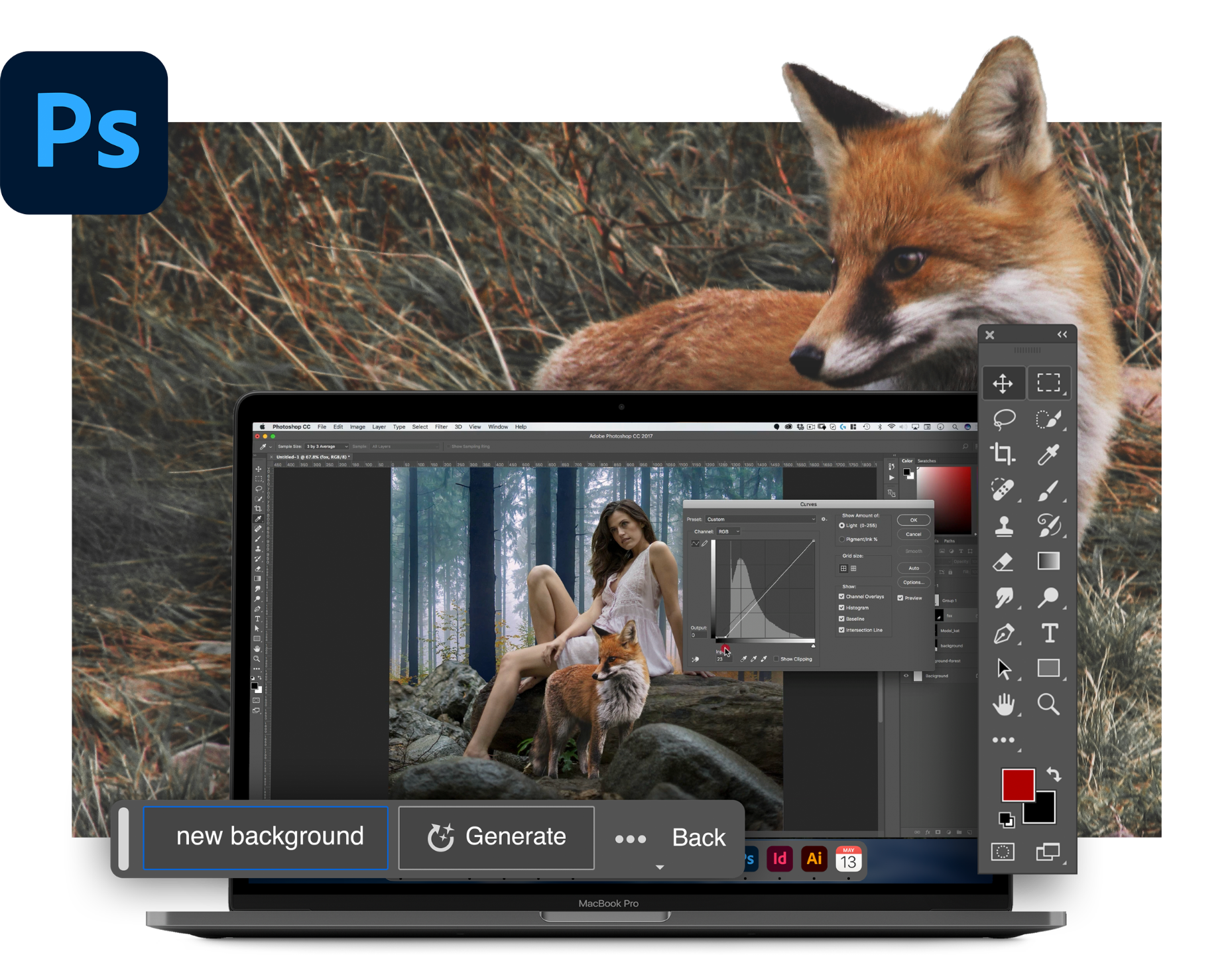
This section covers the foundation of any composite. You’ll learn selections and masks, blending techniques, color matching, scaling and transforming elements, changing colors, and integrating multiple subjects into a single believable scene.
Buy NowMODULE THREE
Final Polish & Cinematic Finish
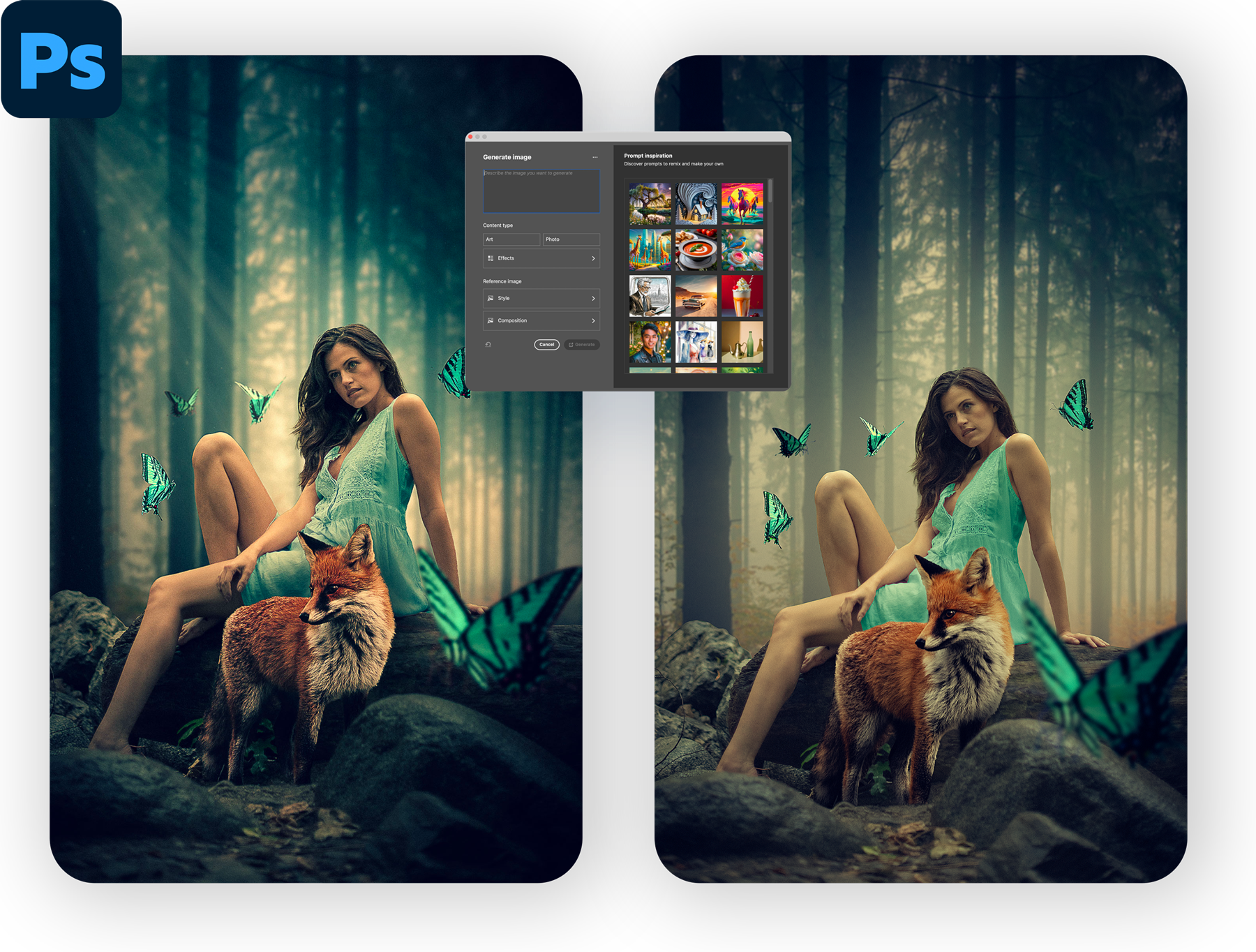
Here’s where the image comes alive. You’ll push the mood and story with color grading, vignettes, subtle contrast shaping, and grain—giving the portrait that final cinematic edge.
PHOTOSHOP 2026 UPDATE
AI Workflow Update
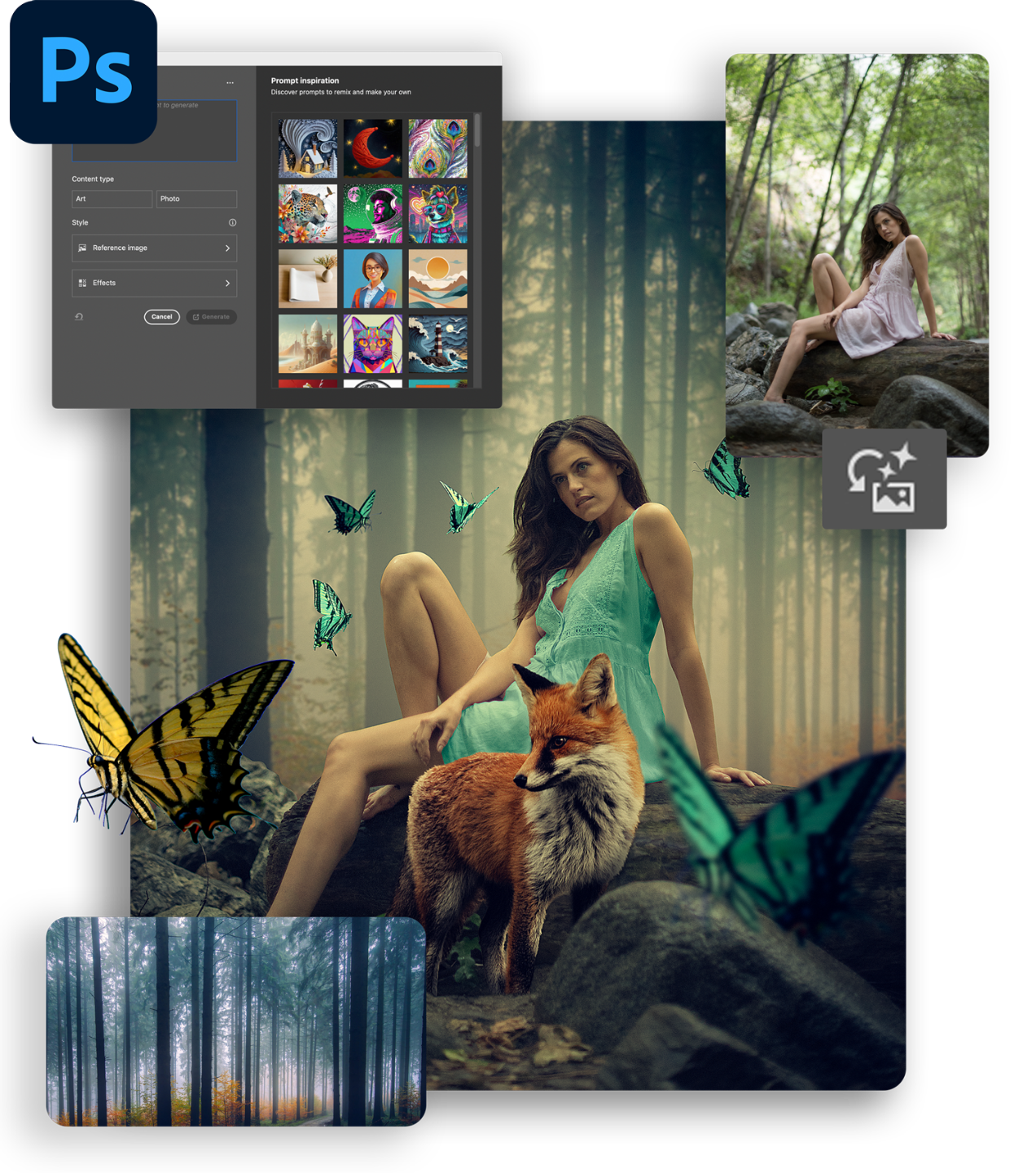
In this update, the entire project is rebuilt from start to finish using the same original image assets, but with the latest tools inside Photoshop. You’ll see how AI generation, Harmonize, modern selection tools, and other AI-assisted features can accelerate the workflow—while still relying on the same core compositing principles.
Rebuild the entire composite from start to finish using the latest AI tools in Photoshop. You’ll see where AI genuinely saves time—and where traditional techniques still matter most.
Buy Now
MEET YOUR INSTRUCTOR
Rikard Rodin, Instructor
Rikard is an experienced creative professional with a background in graphic design, web and interactive design, 3D modeling, and video and motion graphics. He has worked for clients such as SEGA, Virgin Unite, and Riot Games, and has created a wide range of design projects including book and album covers, posters, and full print advertising campaigns. His work has been translated into multiple languages and has been recognized with numerous design awards.
In addition to his professional experience, Rikard has also shared his knowledge and skills with others through his design blog and Photoshop tutorials. His articles have been featured in international magazines and he has even guest-lectured on color theory at Chapman University. Rikard has helped hundreds of thousands of designers and artists improve their skills through his paid training and free YouTube content.
On a more personal note, Rikard is a father of twin girls, loves photography and woodworking. And his training on Photoshop have helped hundreds of thousands become better at bringing their vision and imagination to life.
Traditional and AI
Learn Storytelling Portrait Compositing Skills
Whether you prefer classic workflows, AI‑assisted speed, or a mix of both—Lady and the Fox gives you a repeatable framework for believable fantasy composites.
Includes:
-
Full traditional project walkthrough
-
Complete AI‑based update
-
Layered PSD files
-
Source images
-
Lifetime access
$19
Purchase the Course
100% 30-Day Money-Back Guarantee
We understand that you can spend your money with one of many instructors and appreciate that you've chosen Nucly in your Photoshop journey. To make your buying decision easier, we have a 30 day satisfaction guarantee—no questions asked. If you aren't happy with your product and our support team can't resolve it, you will get a full refund.
Frequently Asked Questions
Does the course come with Photoshop?
What version of Photoshop does this use?
How will I get the course?
What if I run into trouble during the course?
Is this course part of the Nucly Academy?

Traditional and AI Worfklows
The Art of Storytelling Portrait Compositing
Build a complete cinematic fantasy composite from start to finish—twice.
In Lady and the Fox, you’ll learn the full traditional Photoshop compositing workflow and a complete modern pass using the latest AI-powered tools in Photoshop. Both approaches live side by side in one course, giving you clarity on when to rely on fundamentals and when AI can accelerate the process.
This isn’t about replacing skill—it’s about understanding control.
$19
LET'S GET STARTED
THIS COURSE IS INCLUDED IN THE NUCLY ALL-ACCESS ACADEMY
Save 85% when you sign up for our brand-new ALL ACCESS Nucly Academy. With the Academy, you get all of my professional training, 2,500+ Photoshop assets and presets plus our exclusive community.
Take a sneak peak inside...
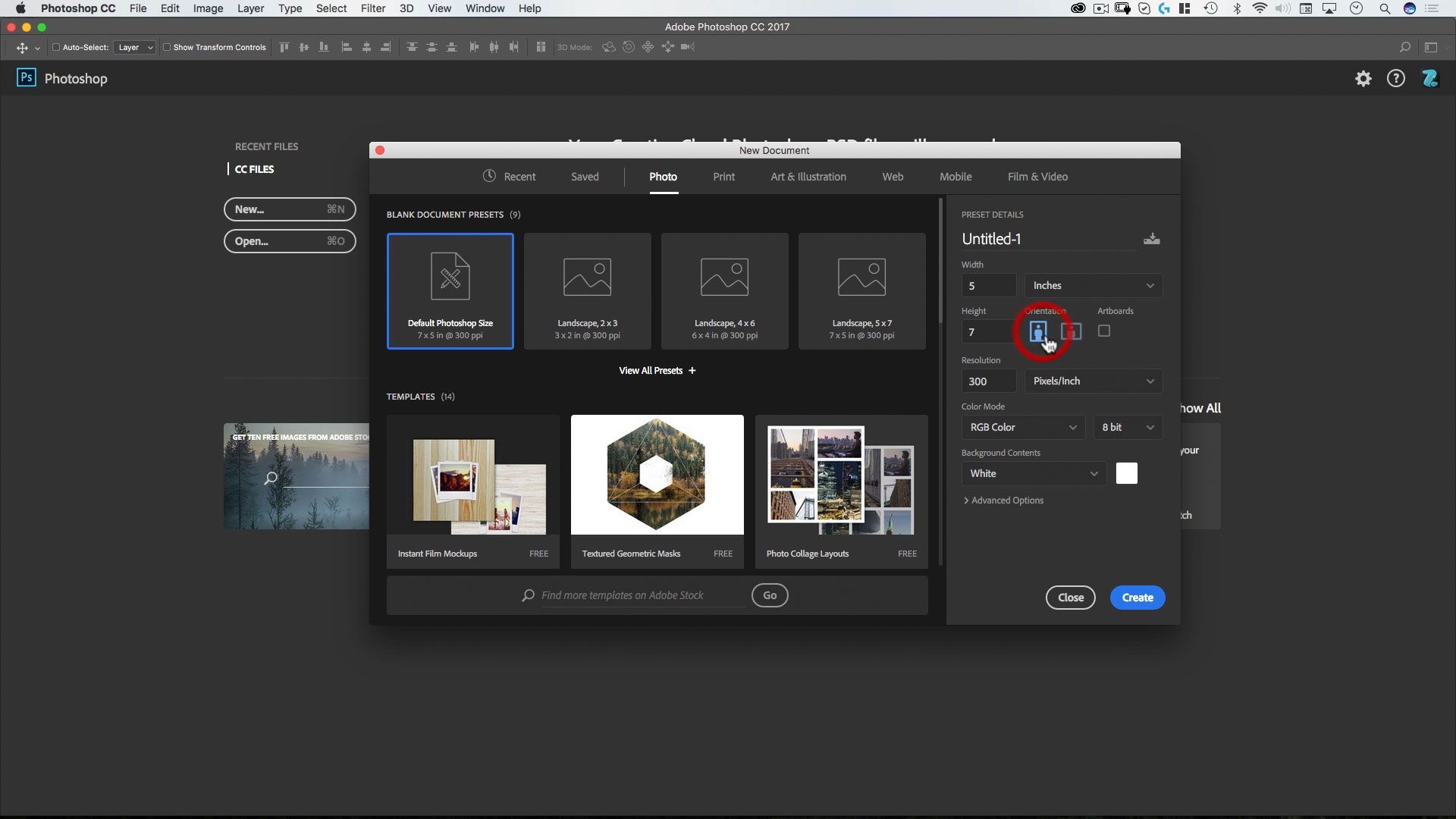
Lesson 1:
Getting Started
Learn the most used shortcuts in Photoshop—and how to set up your document and workflow for complex compositing projects.
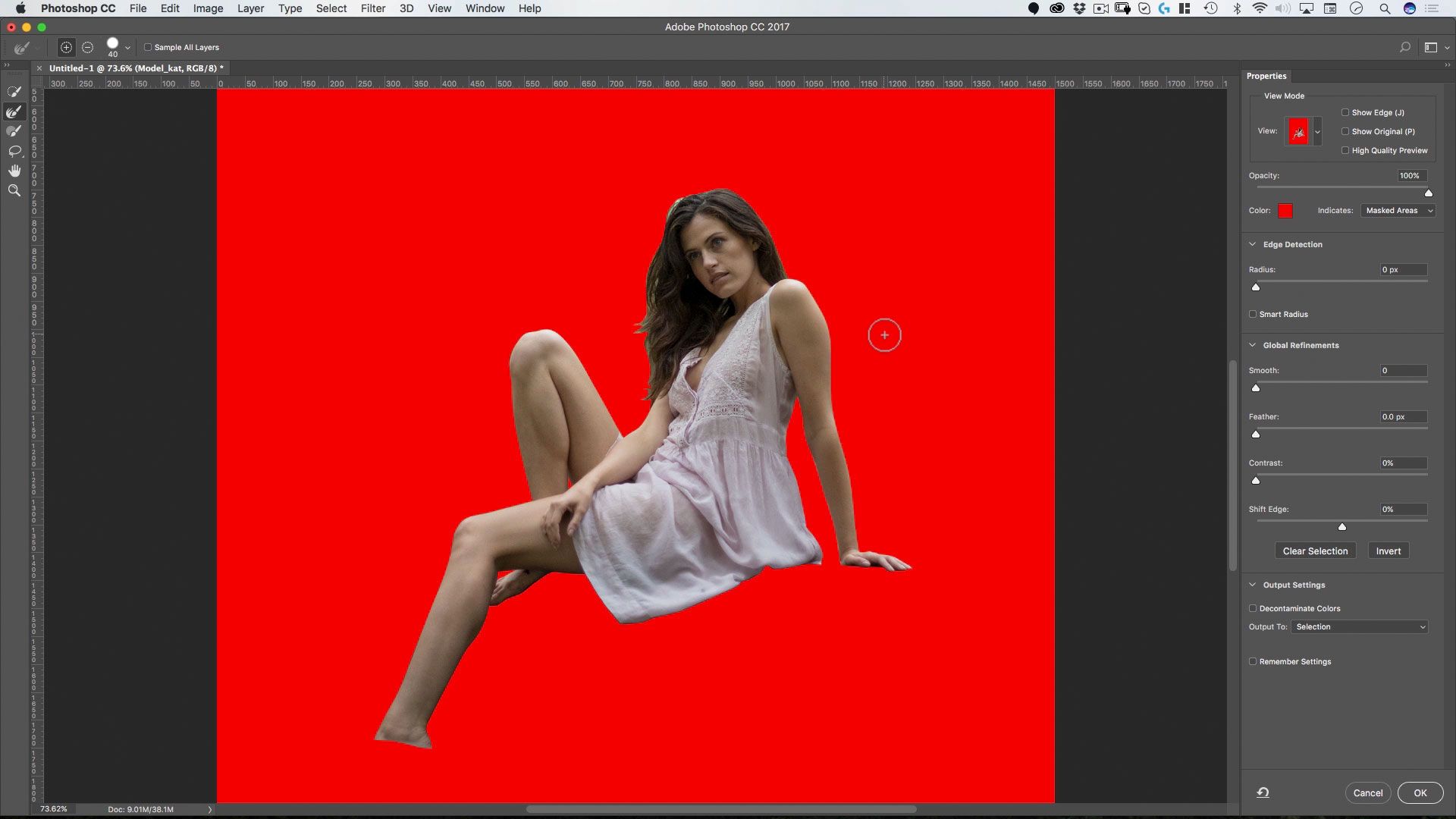
Lesson 2:
The Lady
Use paths to cut out the model cleanly and precisely, preparing her for seamless integration into the environment.
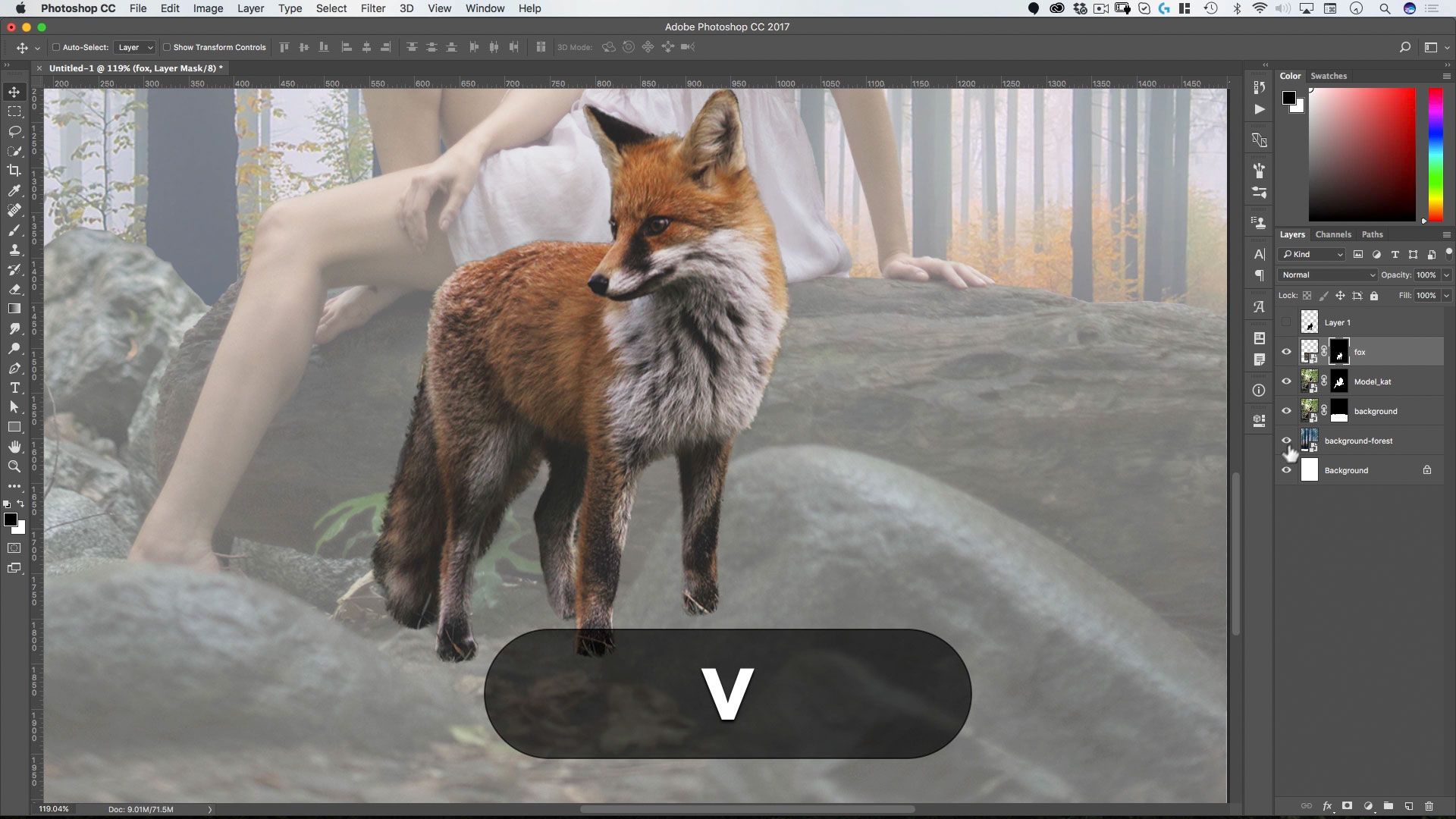
Lesson 3:
The Fox
Learn how to use quick selections, spot blurring issues, and preserve fur detail while creating a believable animal cutout.
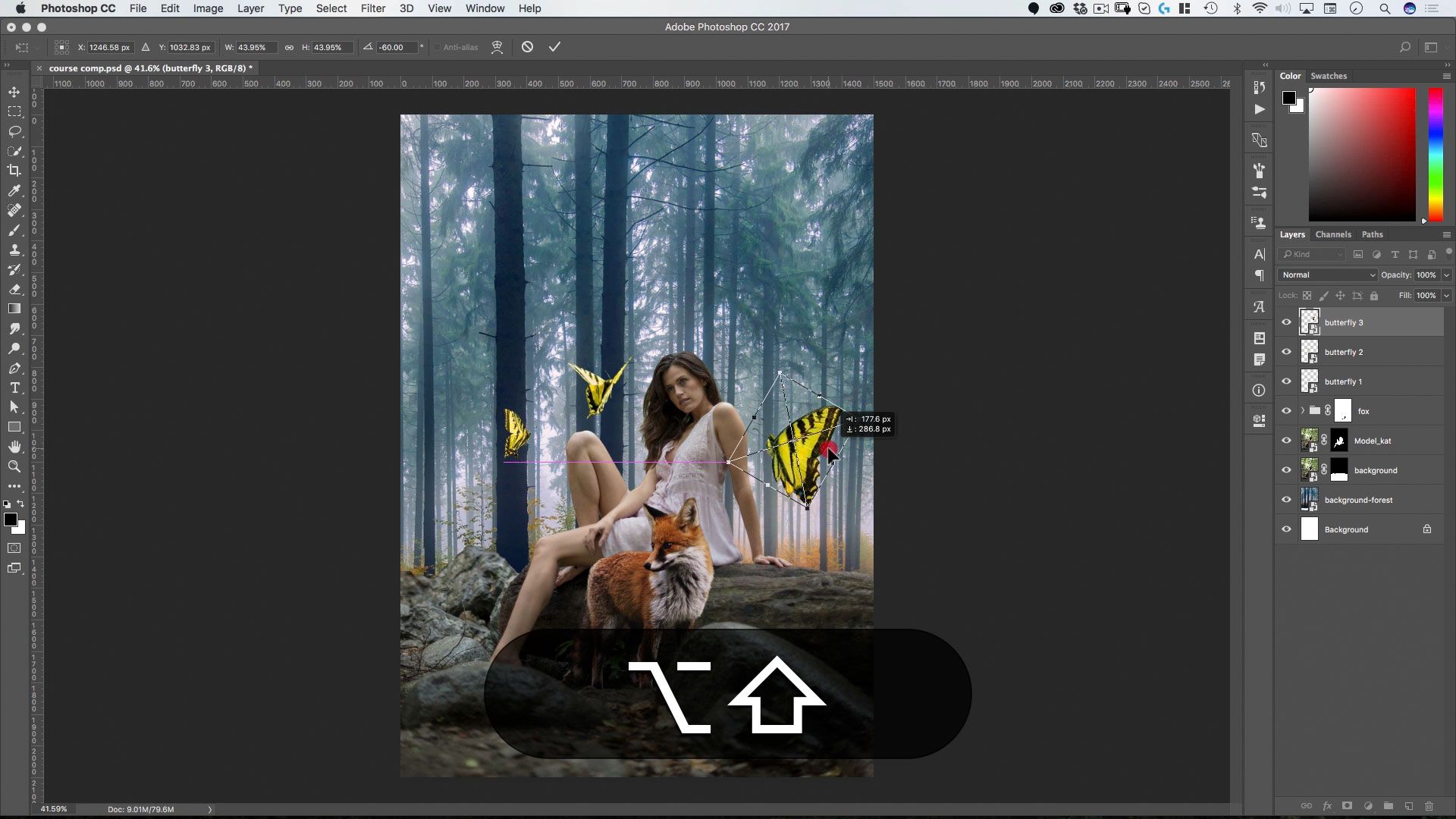
Lesson 4:
The Butterflies
Dive into additional selection methods and compositing techniques to add motion, depth, and visual interest.
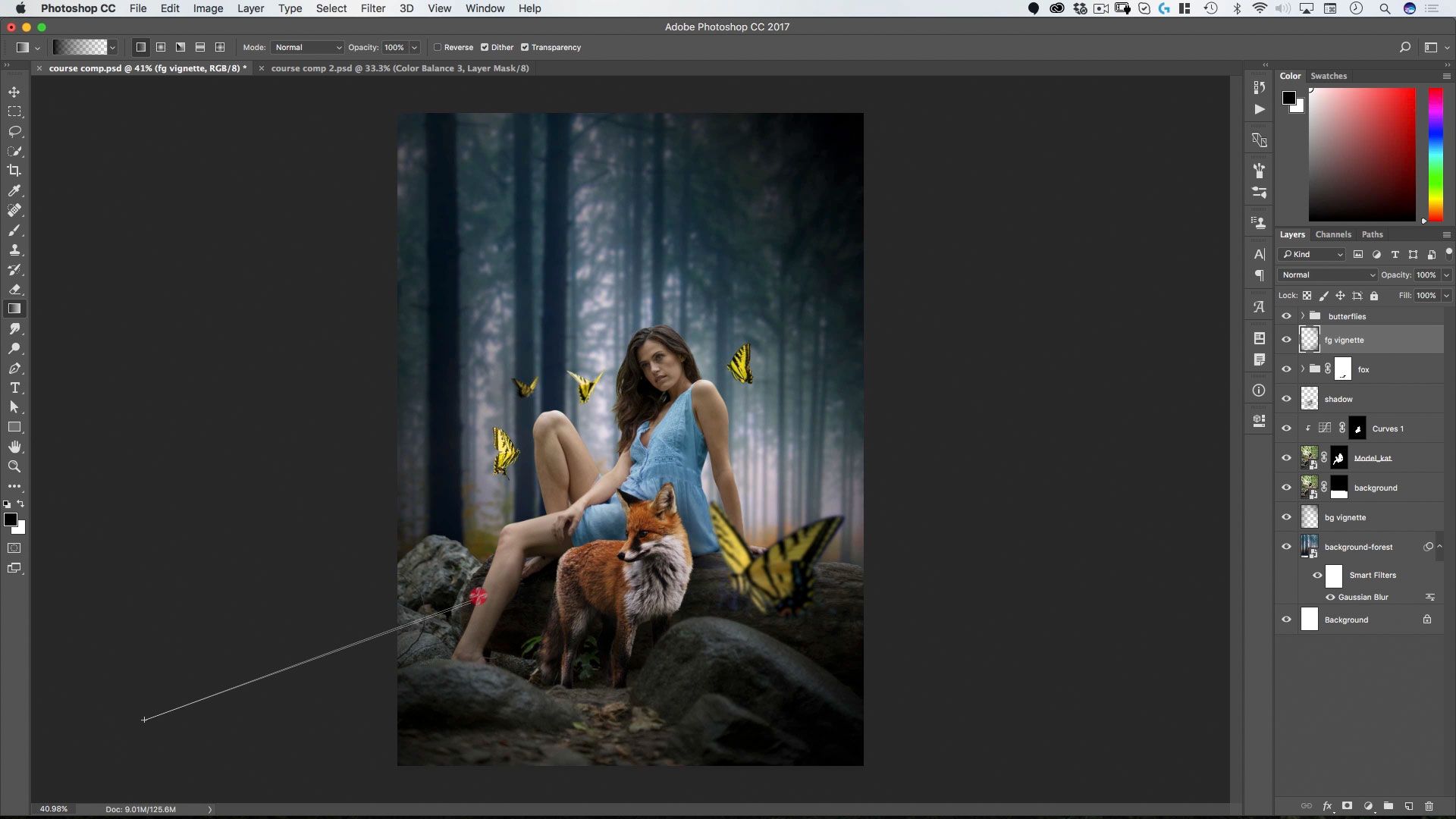
Lesson 5:
Integration & Shading
Coloring with curves, adding ambient shadows, and unifying all elements so they exist naturally in the same space.
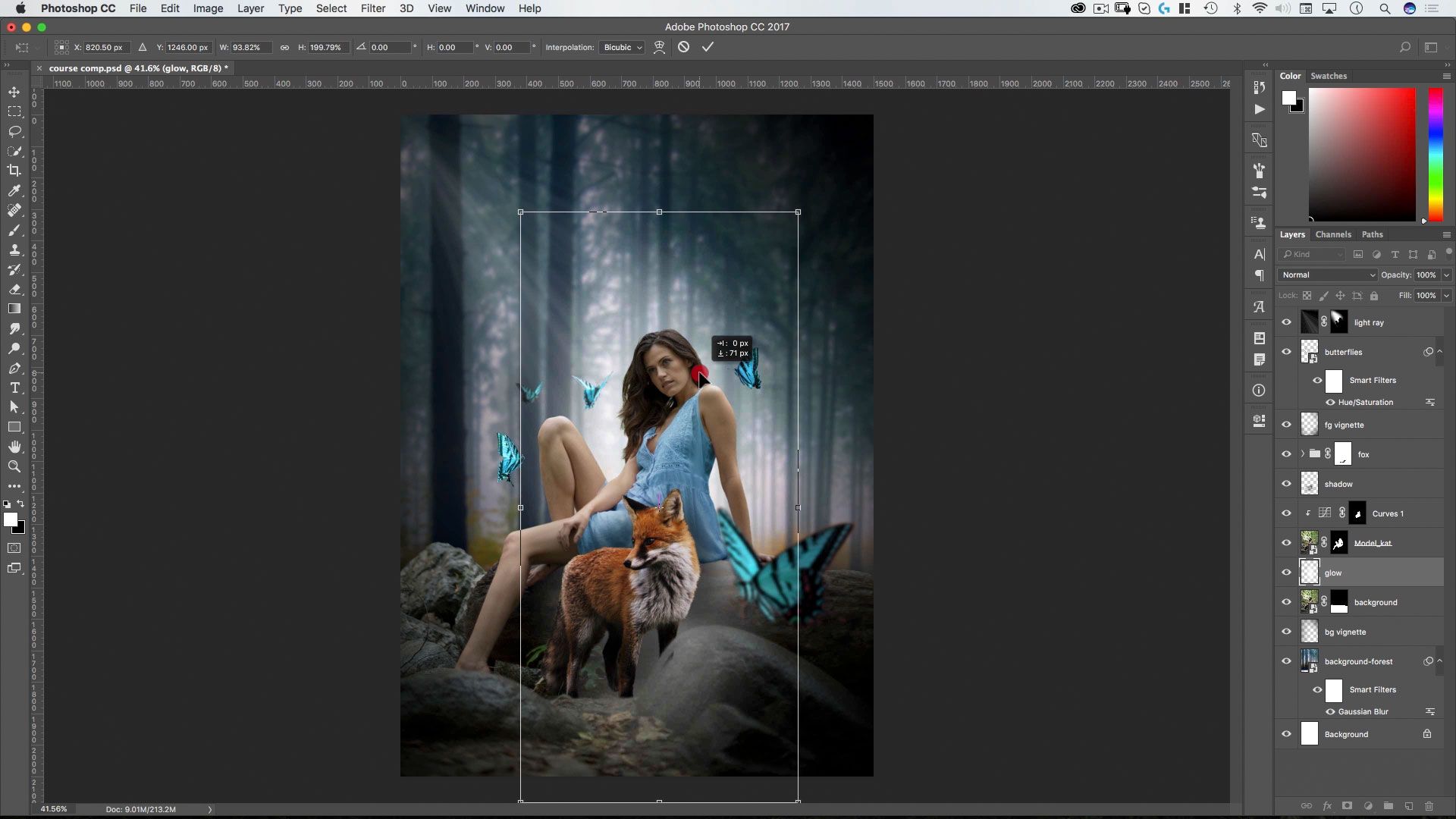
Lesson 6:
Light Effects
Add lighting effects, including light rays made from noise gradients, to your composite in this lesson.
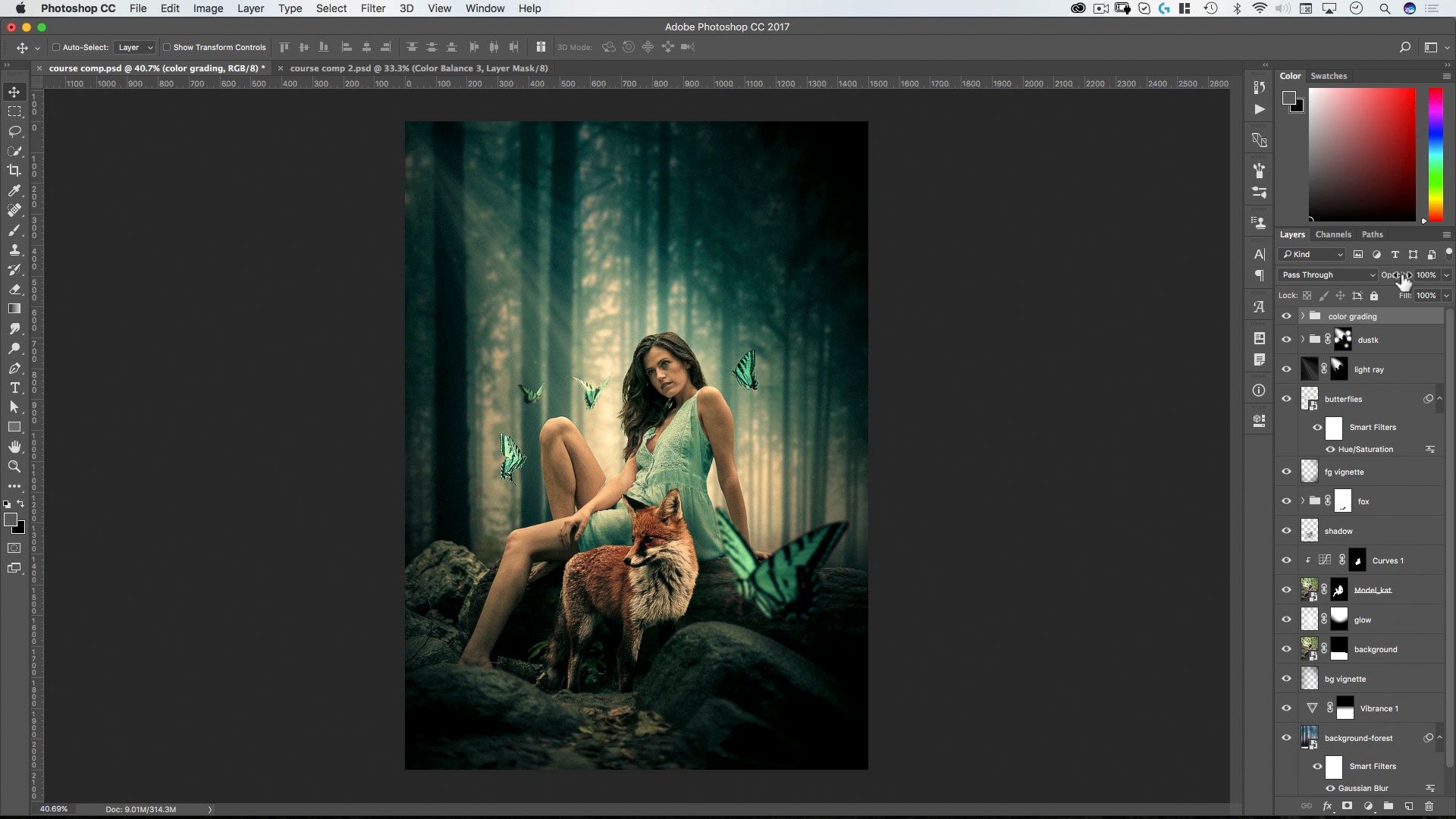
Lesson 7:
Artistic Color Grading
Learn how to use “Match Color” to create artistic color grading effects.
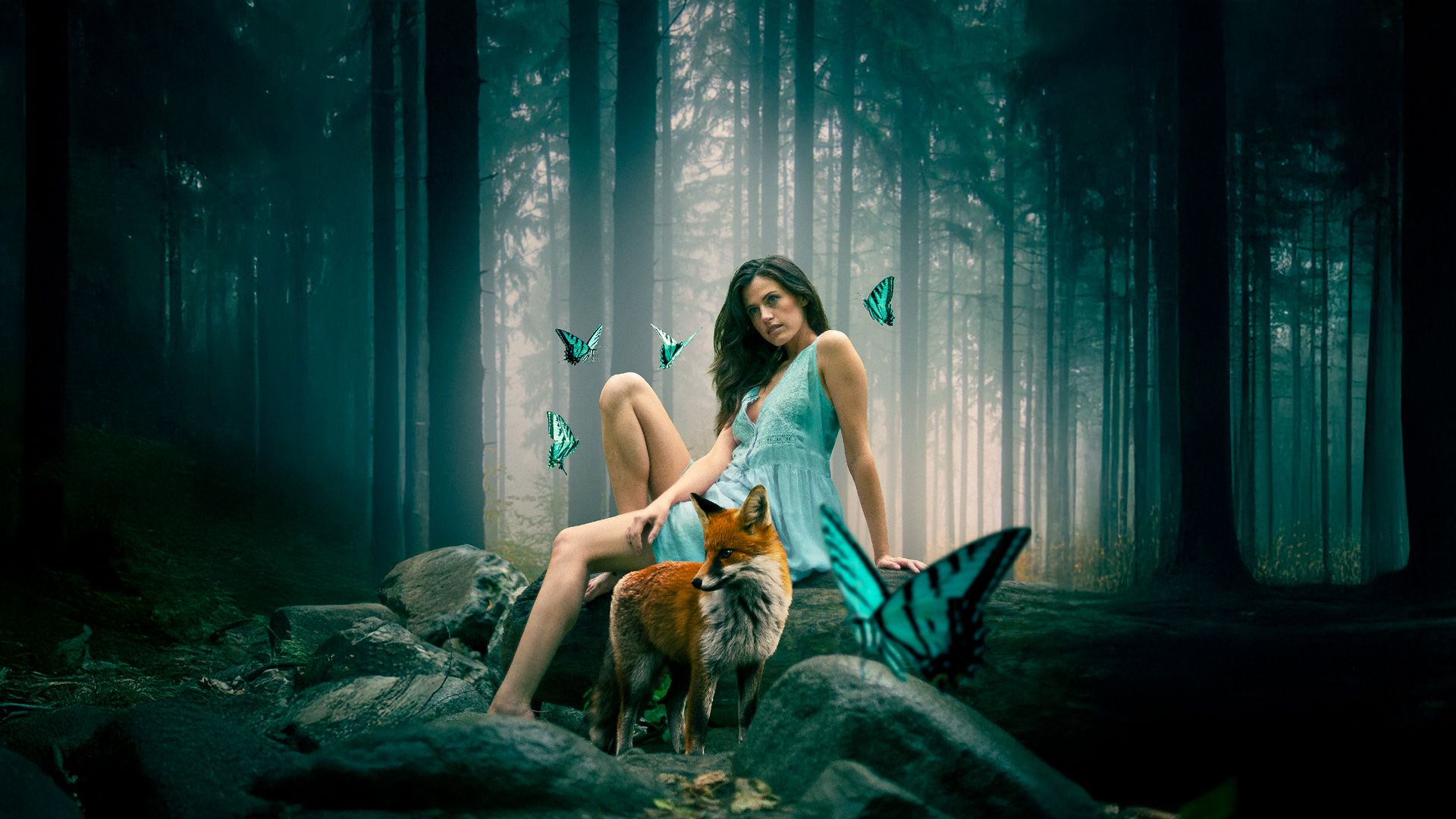
Lesson 8:
AI Update
Redo the entire project... but this time using the AI tools in Photoshop 2026, including auto selections and harmonize.